
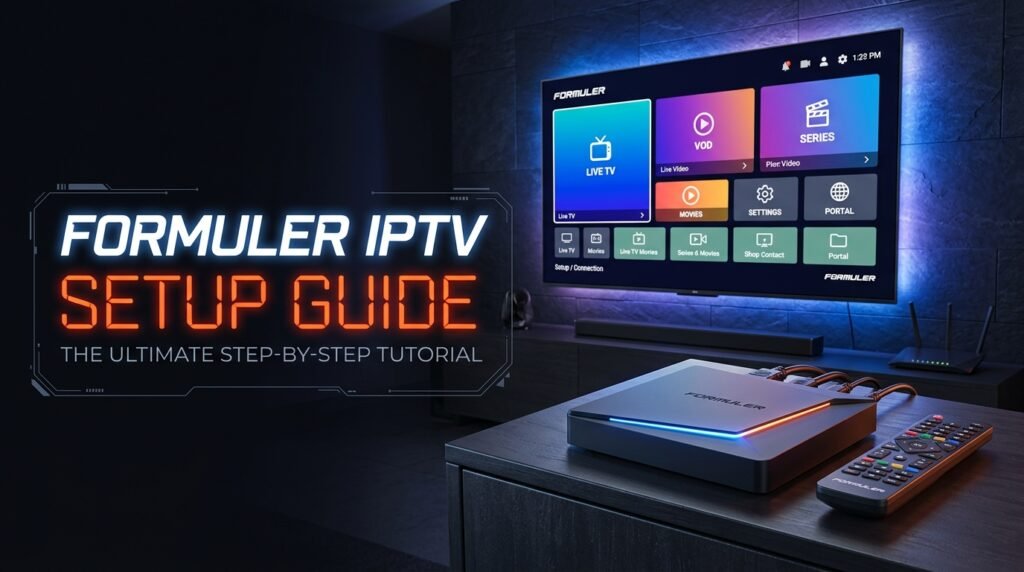
Formuler boxes are built for IPTV, so Formuler IPTV setup is quick: you add your login as an XC portal in MyTVOnline 2 and the channels, TV guide and VOD load automatically. This guide covers the Formuler Z series (Z7+, Z8, Z10, Z11, Z11 Pro Max) and Dreamlink DOL2 boxes.
Before you start: you need an active SmartTVs login. No account yet? Start a free trial and we’ll send your details on WhatsApp.
What You Need for Formuler IPTV
- A Formuler Z-series box with MyTVOnline 2, or a Dreamlink box with DOL2
- Your SmartTVs server URL, username and password from WhatsApp
- The Formuler remote (the keyboard app on your phone helps with typing)
How to Set Up Formuler IPTV (Step by Step)
Follow each part in order. Every step has a real screenshot so you can check you are on the right screen.
Method 1: Formuler — Add XC Portal
-
From the Formuler home screen, open MyTVOnline.

-
Open Portals / XC and choose Add Portal (or Edit Portal for an existing line).

-
Fill the portal form with your SmartTVs details:
- Portal Nickname: any name (e.g. SmartTVs)
- Portal URL: server URL from WhatsApp
- Login required: checked
- User ID: username from WhatsApp
- Password: password from WhatsApp

-
Confirm password / edit fields if needed, then press OK to save.

-
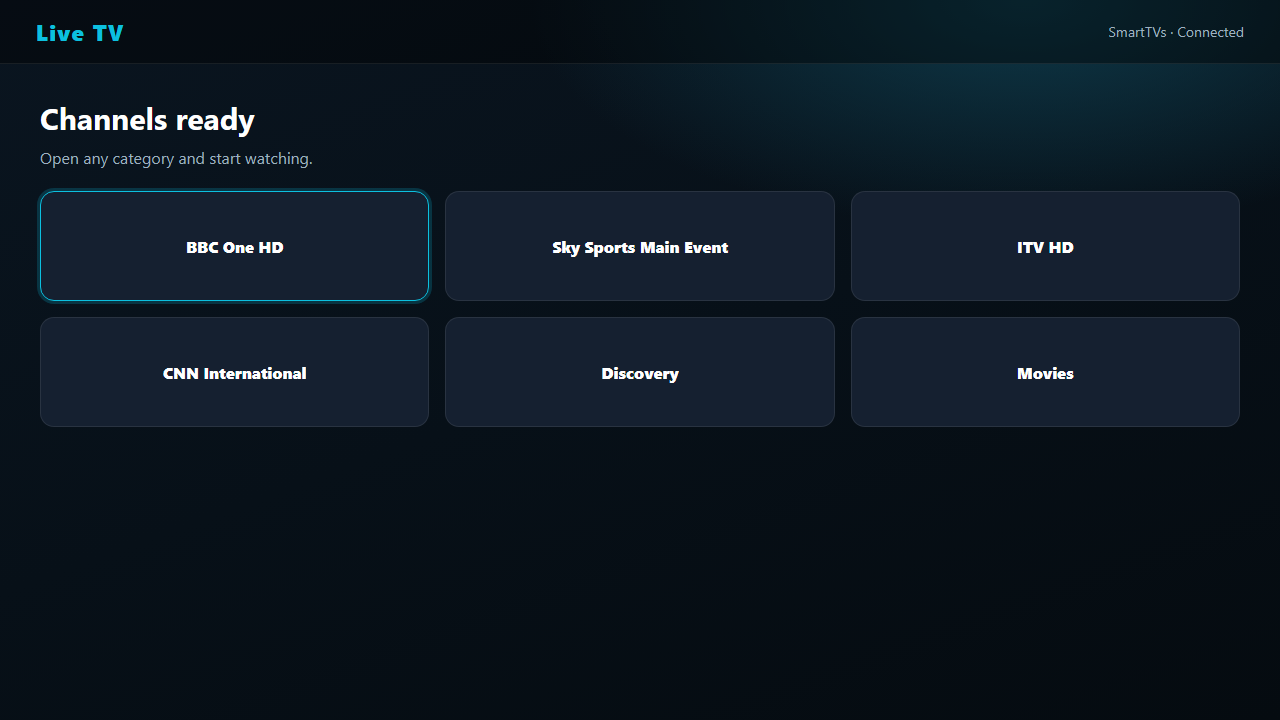
Wait while the playlist refreshes, then open Live TV.
Method 2: Dreamlink — DOL2
-
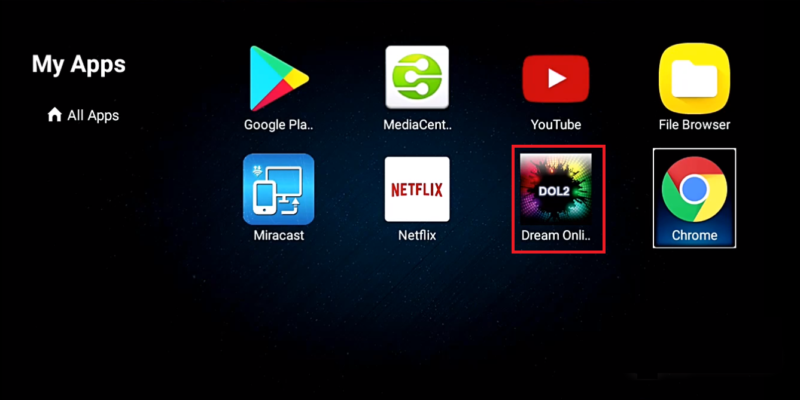
Open My Apps and select Dream Online / DOL2.
-
In DOL2, open Add / Edit Portal and enter the same SmartTVs Portal URL, User ID and Password.
-
Press OK to save, then open Live TV once channels load.
Formuler IPTV: Troubleshooting
| Problem | Fix |
|---|---|
| “Authentication failed” | Re-type the username and password. They are case-sensitive. |
| Portal loads but no channels | Make sure the URL includes http:// and the port, then refresh the portal. |
| TV guide empty | In MyTVOnline, open the portal options and update the EPG. |
| Freezing | Plug in Ethernet. Formuler boxes have a fast wired port. |
Still stuck? Check your speed with Speedtest (about 15–20 Mbps for HD), read IPTV internet speed, or message our UK support on WhatsApp.
Tips for the Best Formuler IPTV Experience
Formuler boxes have one of the best TV guides for IPTV. Use the “Group” button to hide categories you don’t watch and pin UK channels to the top.
Which Formuler Box Is Best for IPTV?
Every current Formuler model runs MyTVOnline 2, so the Formuler IPTV setup is the same on all of them. The difference is speed and storage:
| Model | Best for |
|---|---|
| Formuler Z11 Pro Max | The fastest model, ideal for 4K sport and big channel lists |
| Formuler Z11 Pro | Great all-rounder with fast channel switching |
| Formuler Z10 / Z10 Pro | Older but still solid for HD viewing |
| Formuler Z8 / Z8 Pro | Budget choice; fine for HD, slower with large playlists |
Whichever you own, keep MyTVOnline 2 up to date from the Formuler settings menu. Updates fix bugs and make the guide faster.
Formuler IPTV Tips for a Smoother Picture
- Use the wired Ethernet port. It is the single best fix for freezing on live sport.
- Set the EPG to update daily so the TV guide is always correct.
- Create a favourites group with your main UK channels so they open first.
- Restart the box once a week to clear memory, especially on older Z8 and Z10 models.
- Check your speed: about 15–20 Mbps is enough for HD, 25 Mbps or more for 4K.
Switching from an old MAG box? Formuler is the closest experience. Read MAG box IPTV alternatives.
Set Up IPTV on Other Devices
Watching on more than one screen? See IPTV on multiple devices and compare IPTV UK subscription plans.
Formuler IPTV: Frequently Asked Questions
How do I add IPTV to my Formuler box?
Open MyTVOnline 2, go to Portals / XC, choose Add Portal and enter the server URL, username and password from SmartTVs.
Which Formuler models work?
The Formuler Z series with MyTVOnline 2, including Z7+, Z8, Z10, Z11 and Z11 Pro Max.
Does Dreamlink work too?
Yes. Dreamlink boxes with DOL2 support Xtream Codes logins. The steps are below.
Is Formuler better than a Firestick for IPTV?
Formuler boxes are made for IPTV and have an excellent guide and wired Ethernet. Firesticks are cheaper and more portable.
Need help with Formuler IPTV?