
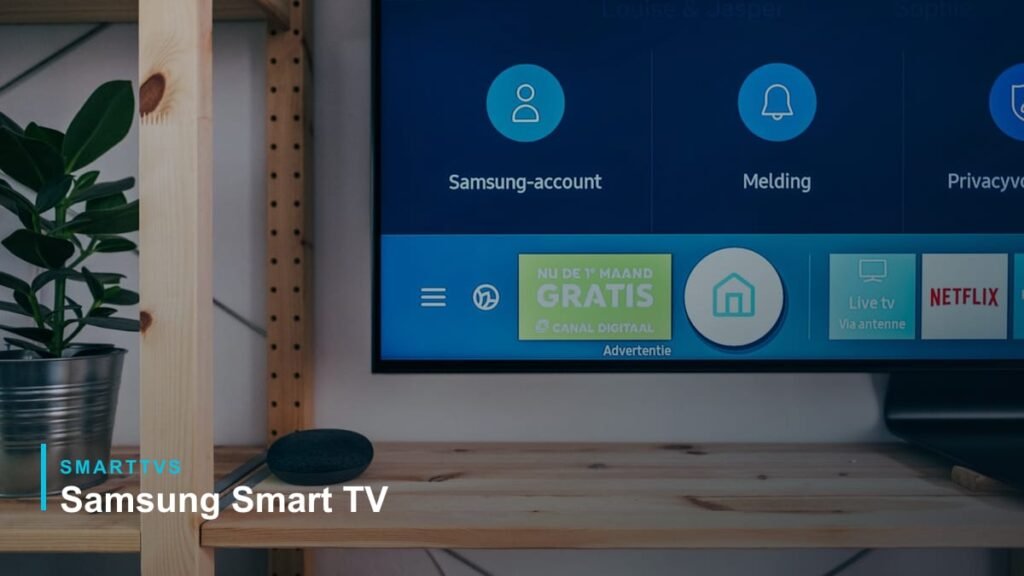
Short answer: restart the TV properly (hold the power button until it reboots), restart your router, then go to Settings → General → Network → Reset Network and reconnect. If it still fails, update the TV software, check the date and time, and try changing the DNS to 8.8.8.8.
Quick fixes (try in order)
- Cold restart: hold the remote power button until the TV turns off and back on, or unplug it for 60 seconds.
- Restart your router and wait two minutes.
- Forget the network on the TV and reconnect, checking the password carefully.
- Reset network: Settings → General → Network → Reset Network.
- Check the date and time in Settings → General → System Manager.
- Update the TV software (use Ethernet or a USB stick if Wi-Fi will not connect).
- Change DNS: Network Status → IP Settings → DNS Setting → Enter manually → 8.8.8.8.
- Move the router closer or connect with an Ethernet cable.
Menu names vary between model years. On older Samsung TVs the network menu is under Settings → Network.
Why Samsung TVs lose Wi-Fi
| Cause | Sign | Fix |
|---|---|---|
| Router glitch | Other devices also slow | Restart router |
| Software bug | Started after an update | Update or reset network |
| Weak signal | Works close to router only | Mesh Wi-Fi or Ethernet |
| DNS problems | Connected but apps say no internet | Set DNS to 8.8.8.8 |
| Wrong date/time | Apps fail to sign in | Set time automatically |
Samsung TV connected but no internet
Check the Network Status screen. If it shows the router is reachable but not the internet, change the DNS and restart the router. Also check your router is not blocking new devices.
Still not working?
Try a Smart Hub reset (Settings → Support → Device Care → Self Diagnosis → Reset Smart Hub). As a last resort, a factory reset restores default settings. If Wi-Fi never appears, contact Samsung support — the Wi-Fi module may be faulty.
FAQ
Why does my Samsung TV keep disconnecting from Wi-Fi?
Usually weak signal or a router issue. Try the 5 GHz band near the router or use Ethernet.
Can I connect a Samsung TV to Wi-Fi without the remote?
Use the SmartThings app on your phone, or a USB keyboard.
More help: common smart TV problems · Samsung TV apps